Acme Style Guide
JUMBO HEADING
HEADING 1
Heading 2
Heading 3
Heading 4
Heading 5
Heading 6
All headings should be in "Bebas Nue" font in all capitals in Rally Purple Font Color. On a dark background, apply the "white" sub-selector
This is a paragraph element. This is some bold text varius enim in eros elementum tristique. Duis cursus, mi quis viverra ornare, eros dolor interdum nulla, ut commodo diam libero vitae erat. Aenean faucibus nibh et justo and this is some italicized text lorem imperdiet. Nunc ut sem vitae risus tristique posuere.
This is a paragraph element. This is some bold text varius enim in eros elementum tristique. Duis cursus, mi quis viverra ornare, eros dolor interdum nulla, ut commodo diam libero vitae erat. Aenean faucibus nibh et justo and this is some italicized text lorem imperdiet. Nunc ut sem vitae risus tristique posuere.
This is a block quote
- This is an ordered list
- This is a list item within an ordered list
- Style each list item as you wish
- This is an unordered list
- This is a list item within an unordered list
- Style each list item as you wish
- This is an unbulleted list
- This is a list item within an unbulleted list
- Style each list item as you wish
Typography
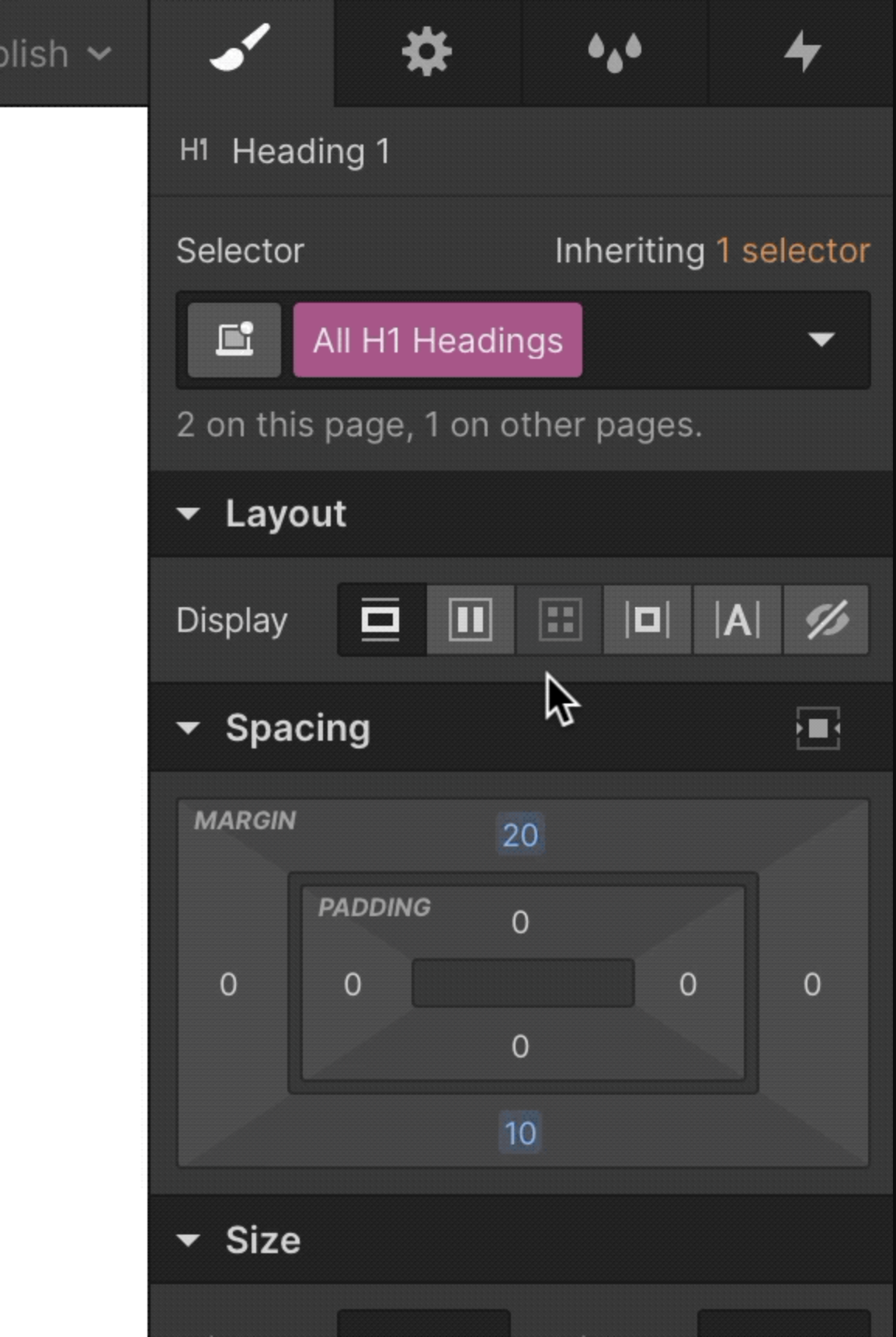
Set the base styles for all headings and text elements across your site.
To set the styles for root HTML tags, open the selector dropdown for each element type and select the corresponding HTML tag option.
What’s a Rich Text element?
The rich text element allows you to create and format headings, paragraphs, blockquotes, images, and video all in one place instead of having to add and format them individually. Just double-click and easily create content.
- list item
- list item
- list item
Static and dynamic content editing
A rich text element can be used with static or dynamic content. For static content, just drop it into any page and begin editing. For dynamic content, add a rich text field to any collection and then connect a rich text element to that field in the settings panel. Voila!
How to customize formatting for each rich text
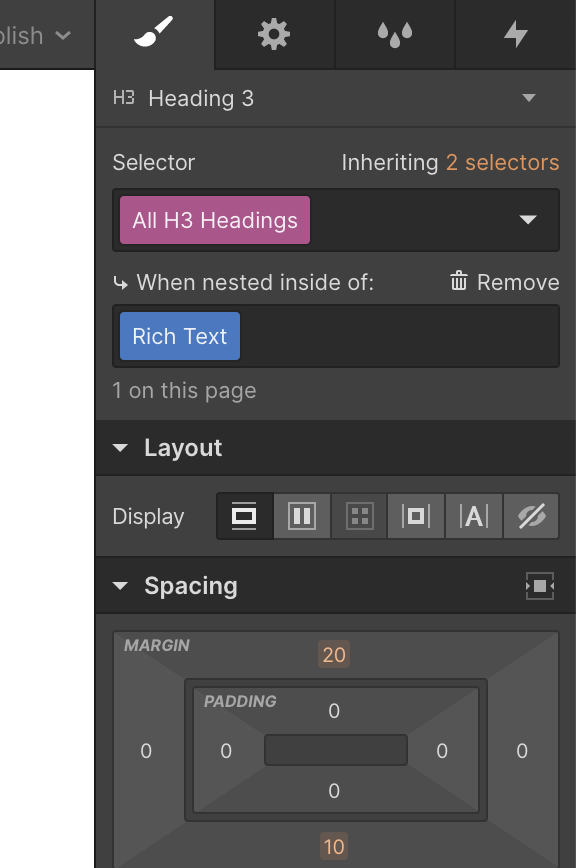
Headings, paragraphs, blockquotes, figures, images, and figure captions can all be styled after a class is added to the rich text element using the "When inside of" nested selector system.

How to customize formatting for each rich text
Headings, paragraphs, blockquotes, figures, images, and figure captions can all be styled after a class is added to the rich text element using the "When inside of" nested selector system.
Headings, paragraphs, blockquotes, figures, images, and figure captions can all be styled after a class is added to the rich text element using the "When inside of" nested selector system.
How to customize formatting for each rich text
Headings, paragraphs, blockquotes, figures, images, and figure captions can all be styled after a class is added to the rich text element using the "When inside of" nested selector system.
Rich text element
Styling the rich text element works a bit differently than other elements. While there's no base tag for rich text elements, you can customize base tags for elements within a rich text element as long as the parent rich text element has a class.
Learn more about styling rich text elements on Webflow University.
SAFE AND FAIR ELECTIONS PLEDGE
Global colors
You can also create global color swatches for your site to keep recurring colors consistent across your site.
For example, you might use the same "neutral gray" on element text, backgrounds, and borders — creating a global swatch for that gray allows you to change it once and update every instance where that swatch is applied throughout your site.
Learn more about creating global color swatches.

Links and buttons
You can also create a standard set of classes and combo classes for your site's link and button elements.
Learn more about styling buttons.
America should not be governed by elected officials who remain silent while the electoral process and our national security are being threatened. Commitment to Safe and Fair Elections, and the peaceful transfer of power, shouldn’t be controversial. The fact that in some quarters, it might be, suggests that the pledge is a necessary mechanism for keeping intact this essential guardrail of American Democracy. More importantly, the Safe and Fair Elections Pledge.

Gives voters a clear view of which candidates embrace Safe and Fair Elections, and which ones show reluctance.
Gives corporations and donors a clear and non-partisan basis on which to support (or not support) a candidate.
Provides accountability by tracking adherence to the Pledge by elected officials who affirm it with their signature.
Form elements
It's helpful to create standard classes for all form elements upfront in a project, including form labels, form fields, and all form input types.
Learn more about styling forms.